APN
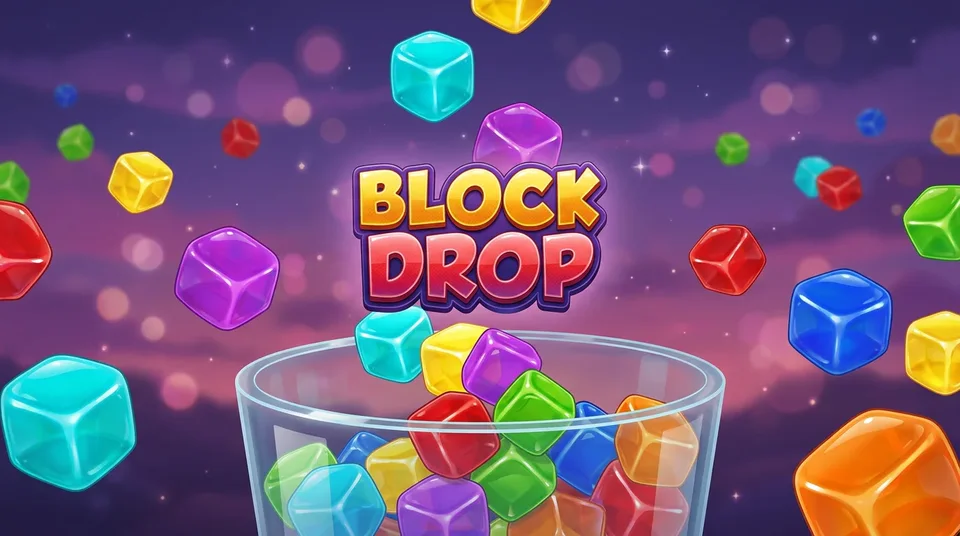

About Block Drop
Block Drop is a falling-block puzzle with jelly-bright pieces on a dusk-coloured stage. Seven shapes arrive from a shuffled bag, so you never wait long for the one you need. Slide and spin each piece, then drop it to complete full rows.
A faint ghost piece shows where the block will land, Hold stores a piece for later, and the next three pieces are always visible. Rows flash and burst when they clear, a four-row clear shakes the screen, and every ten lines raises the level and the fall speed.
On a phone the board gets on-screen buttons for move, soft drop, rotate, hold and hard drop. Your best score is saved.
How to play
- Move pieces left and right, and rotate them to fit.
- Hold soft drop to fall faster, or hard drop to land instantly.
- Press Hold to swap the falling piece with the stored one, once per piece.
- Fill whole rows to clear them. Four at once scores the most.
Controls
Mouse and touch
- On-screen buttons: left, right, soft drop, rotate, hold and hard drop (shown on touch devices)
- Click or tap the title screen to start
Keyboard
- Left and Right or A and D: move
- Down or S: soft drop
- Up, W or X: rotate clockwise, Z: rotate back
- Space: hard drop
- C or Shift: hold
- P: pause, M: mute
Questions about Block Drop
How does scoring work in Block Drop?
One to four cleared rows score 100, 300, 500 or 800 times your level (up to level 20), with a bonus for consecutive clears, plus 1 point per row of soft drop and 2 per row of hard drop.
What is the ghost piece?
The outlined shape at the bottom of the board shows exactly where your falling piece will land if you drop it now.
Does it have touch controls?
Yes. On touch devices six large buttons appear below the board in portrait, or at both sides in landscape.